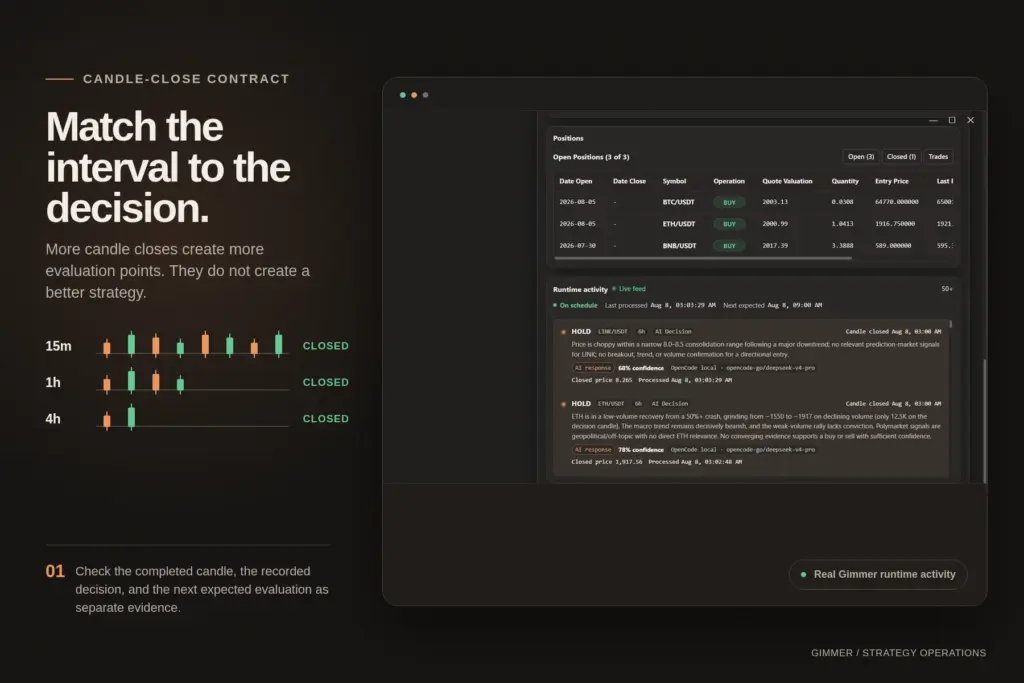
Crypto Trading Bot Timeframes: Match Candles to Decisions
Choose a crypto trading bot timeframe by mapping candle closes, signal frequency, costs, monitoring, and a locked backtest plan.
Read articleGimmer Research
Practical guides for strategy design, backtesting, optimization, execution, and operating Gimmer on your own machine.
Current thinking
Choose a crypto trading bot timeframe by mapping candle closes, signal frequency, costs, monitoring, and a locked backtest plan.
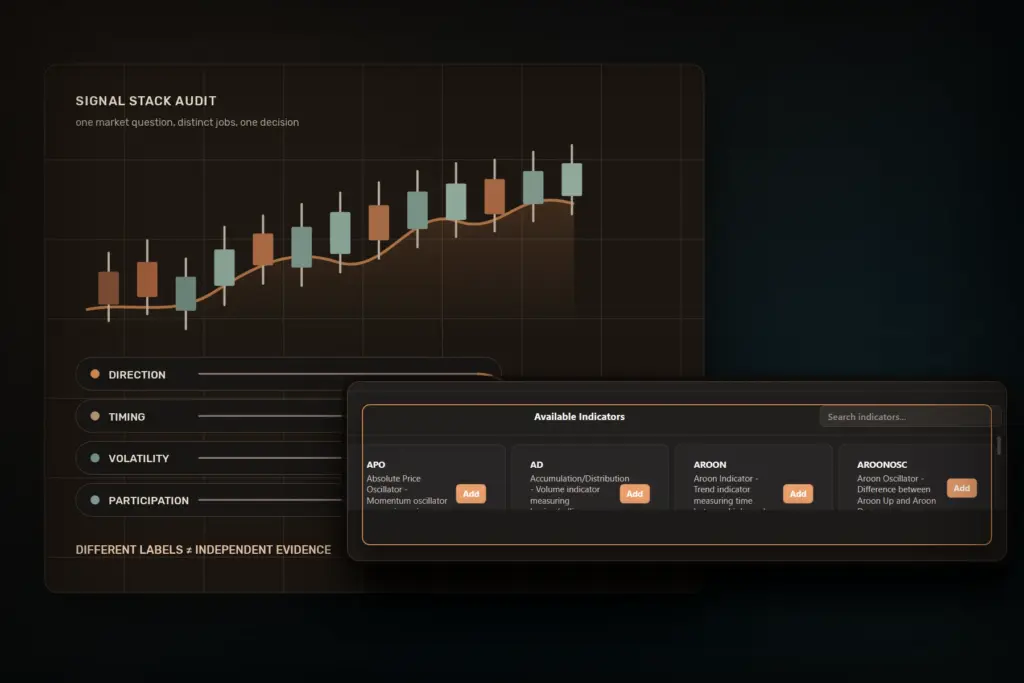
Read articleA practical framework for giving each crypto trading bot indicator one job, removing redundant signals, and testing one locked strategy revision.
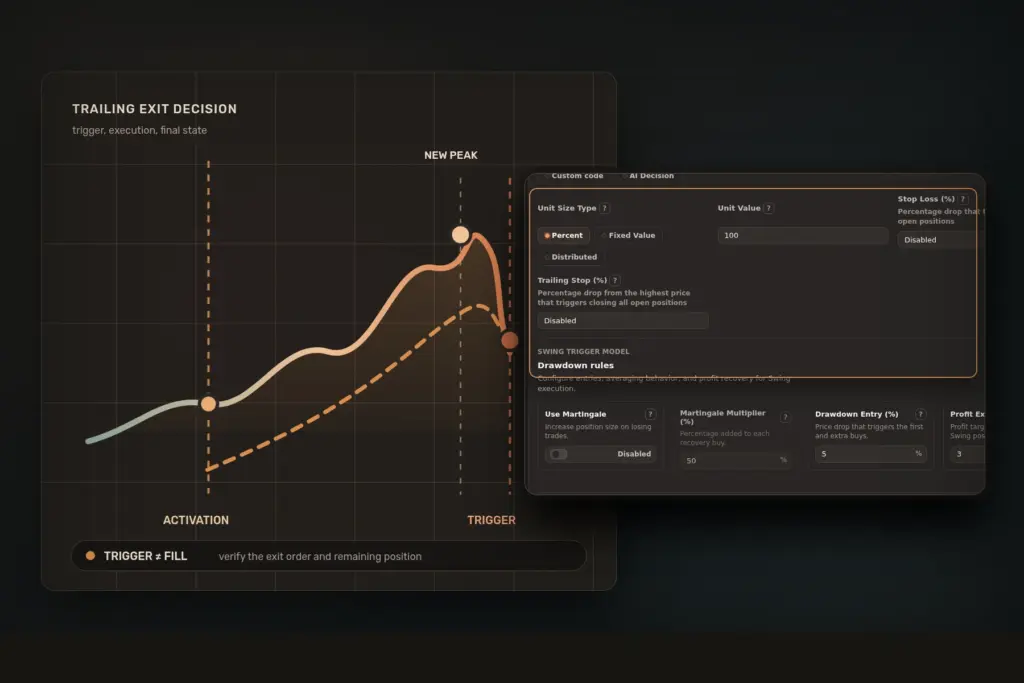
Read articleA practical framework for defining trailing-stop activation, distance, trigger source, execution, recovery, and final-state checks before testing a crypto bot.
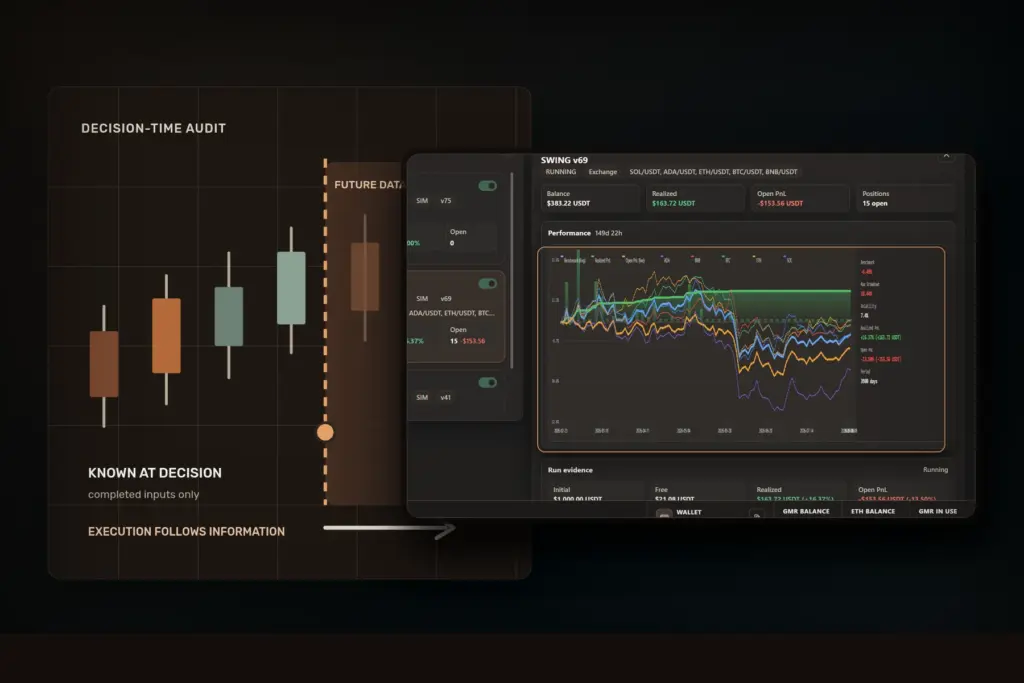
Read articleLearn how look-ahead bias enters crypto backtests through candle timing, indicators, joins, and tuning, with a timestamp-safe audit checklist.
Read article