
A profile update is easy to overread when it sits near security, wallet, recovery, and activity controls. In Gimmer, the better habit is narrower: use Profile for account maintenance, then return to the strategy, exchange, wallet, or activity surface that actually owns the trading decision.
This matters for anyone working with a crypto trading bot, blockchain wallet, exchange connection, automated strategy, API integration, or marketplace workflow. A profile screen can help you confirm who is signed in and keep visible account details current. It should not become proof that a bot is ready, a strategy is configured, an exchange credential is valid, or a wallet action has completed.
Start With What Profile Is For
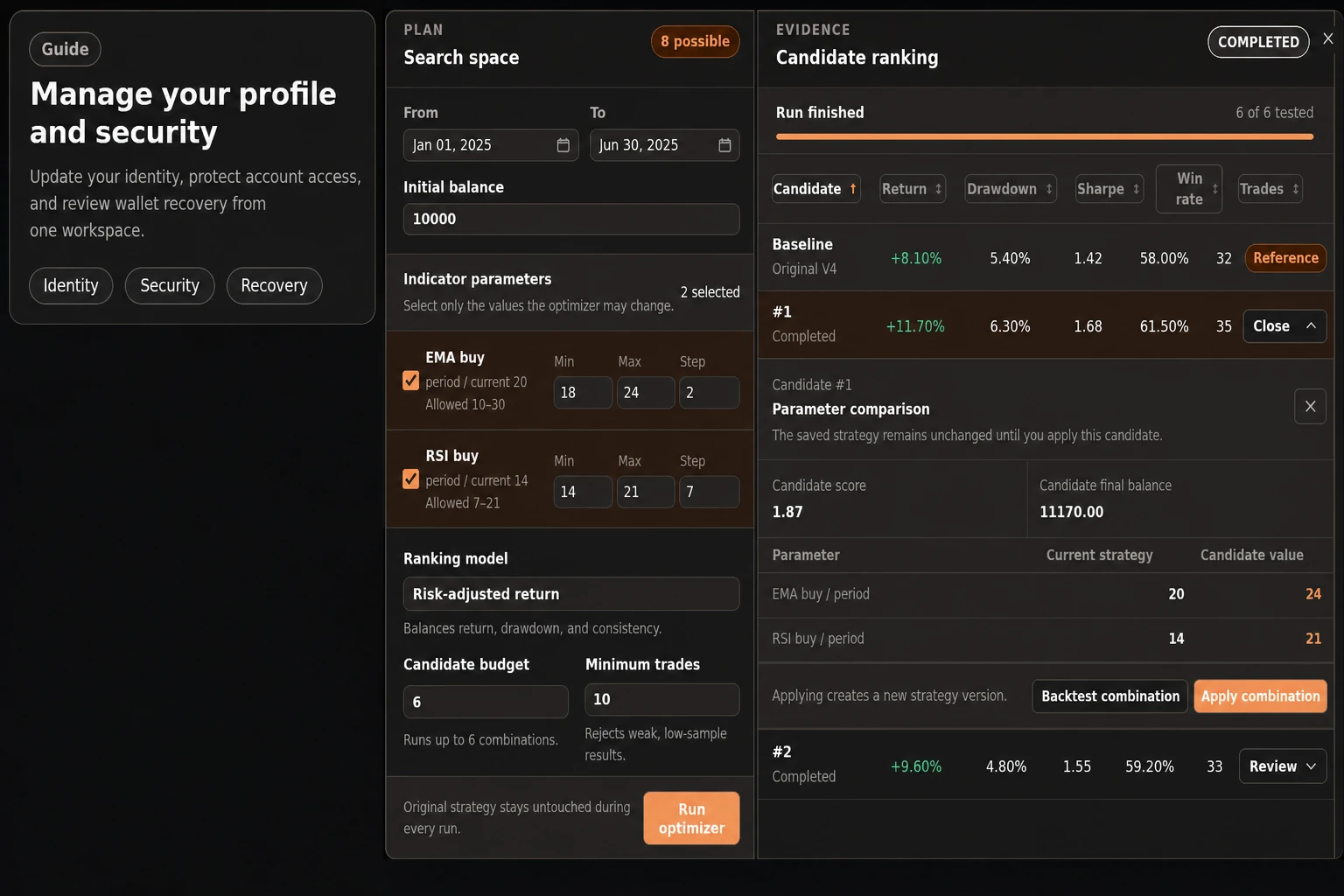
The current Gimmer Profile route is an authenticated account-maintenance surface. It opens with the guidance Manage your profile and security, then separates the page into visible areas for Identity, password maintenance, Wallet & recovery, wallet activity, and a security checklist.
That grouping is useful because account work often happens beside sensitive operational context. You may need to check the username, review the wallet address shown on the account, update a display name, or move into a password or recovery task. Those are account-context jobs.
The key is to keep the scope clear. Profile helps you maintain account context. It does not replace the strategy builder, exchange directory, wallet transaction flow, marketplace listing page, API docs, observability view, or bot activity log.
Treat Display Name As Account Maintenance
The editable profile field visible in the current Identity panel is Display name. It is the right place to keep the account label readable, especially when a signed-in user needs the product to show a familiar identity in the app.
That account label can also be reused as seller-name context in marketplace publishing flows. That is useful, but it is deliberately smaller than a trading decision or marketplace-readiness signal. Changing a display name does not configure a crypto strategy, update an exchange API key, fund a wallet, confirm a blockchain transaction, start a bot, stop a bot, prove marketplace access, or prove publish success.
The practical rule is simple: use the display-name field when the account label needs maintenance. If your question is about trading automation, move to the surface that owns trading automation.
Read Username And Wallet As Context, Not A Green Light
The Identity panel also shows account metadata such as Username and Wallet. Those values can help you orient yourself before you make an account change. They can also prevent a basic mistake, such as editing the wrong signed-in account.
They should not be treated as a green light for an operational action. Seeing a wallet address on Profile does not prove funding readiness, token availability, transaction confirmation, exchange permission, or strategy suitability. It only gives account context on this route.
When the question becomes wallet-specific, stay inside the adjacent Wallet & recovery or wallet activity sections on the same Profile route and follow the visible prompts carefully. When the question becomes trading, exchange, marketplace runtime, API, or observability specific, return to the workflow that carries the relevant evidence.
Keep Password And Recovery Work In A Separate Mental Bucket
The Profile route also includes password, wallet, recovery, and activity areas. Those controls deserve a different reading posture from a simple profile edit because they sit closer to access, recovery, and wallet safety.
That does not make Profile a trading-readiness page. It means the route contains account-sensitive controls that should be handled deliberately, with the visible prompts and confirmations in front of you. A password or recovery task is about access and account safety. It is not a signal that a strategy is ready to run or that a market workflow has been checked.
This separation protects both sides of the product. Profile remains useful for identity and account maintenance, while trading decisions stay anchored in the surfaces built for strategy, exchange, wallet activity, bot controls, and runtime evidence.
Return To The Surface That Owns The Decision
After a profile update, the next surface should match the real question:
- Use strategy pages when the question is about a saved strategy, a builder path, a backtest, or bot activity.
- Use exchange pages when the question is about an exchange connection, credential status, or market context.
- Use the wallet and activity sections on Profile when the question is about account-adjacent wallet context, exports, recovery, or transaction history.
- Use Docs or API surfaces when the question is about request shape, auth boundaries, scopes, or integration behavior.
- Use Observability when the question is runtime health, errors, traces, or service behavior.
Profile can help you make sure you are working from the right account context before you move. It should not collapse all of those separate decisions into one account-maintenance screen.
What A Profile Update Does Not Prove
This is where restraint matters. A profile update does not prove:
- that an automated trading strategy is configured correctly;
- that a crypto trading bot is ready to start or stop;
- that an exchange API credential is present, valid, scoped, or safe to use;
- that a wallet has enough funds or confirmed blockchain activity;
- that marketplace access, rental records, or listing details are current;
- that API integrations are authorized or behaving as expected;
- that future performance, profit, or reduced risk can be inferred.
Those limits make the route easier to trust. The Profile page does not need to answer every operational question to be useful. It only needs to help with the account-maintenance question in front of it.
A Practical Profile Routine
Before you move from profile maintenance into trading work, keep the routine small:
- Open Profile only for the account-maintenance task you mean to perform.
- Confirm that the visible username and wallet context match the account you intended to use.
- Update the display name only when the account label needs maintenance.
- Treat password changes and wallet-adjacent controls as sensitive account-safety work, not trading signals.
- After the account-maintenance task, return to the strategy, exchange, wallet, marketplace, API, or observability surface that owns the next decision.
This routine is intentionally conservative. It helps the user avoid turning a profile edit into an assumption about trading automation, exchange readiness, blockchain state, or bot behavior.
Final Thoughts
Good trading operations often depend on keeping small product boundaries intact. Profile is useful because it gives signed-in users a place to maintain account identity and access context. It becomes less useful when it is asked to prove things that belong to strategy, exchange, wallet, API, marketplace, or runtime workflows.
Use Profile for account maintenance. Then make the trading decision in the surface that carries the right evidence.
Keep profile updates separate from trading decisions: maintain the account label, confirm the account context, and then return to the Gimmer workflow that actually owns the bot, strategy, exchange, wallet, blockchain, or API question.
– The Gimmer Team